What Happens When You Visit a Website?
Follow the journey from typing a web address to seeing a page appear in your browser.
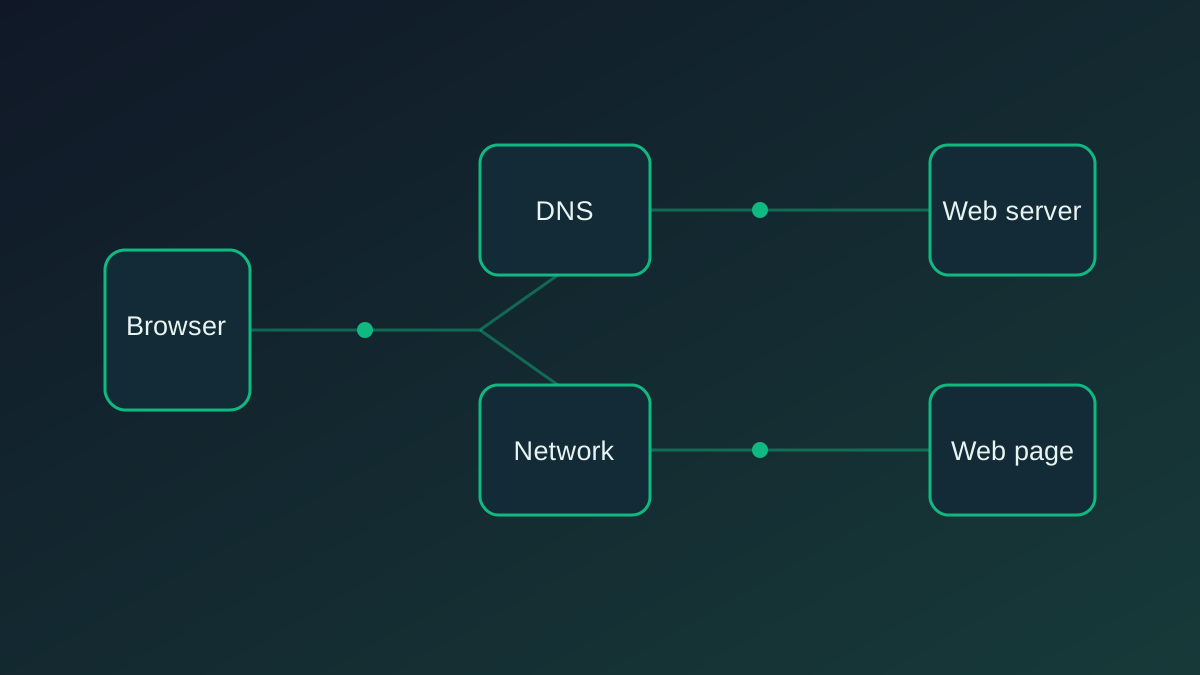
You type a web address, press Enter, and a page appears. It feels instant. But between those two moments, your device and several systems may exchange information across the internet.
Here’s the journey in a simplified form.
1. The browser understands the address
Your browser first parses the URL. It identifies the protocol, domain, path and any query parameters.
For example, in https://example.com/articles, the browser can identify HTTPS as the scheme, example.com as the hostname and /articles as the path.
2. The browser finds the server
A domain name is easy for people to remember, but network communication uses IP addresses. The browser needs to discover which IP address is associated with the hostname.
That is where the Domain Name System (DNS) comes in. Your device may already have a cached answer. If not, it asks a DNS resolver to find the relevant record.
3. A connection is established
Once the browser has an IP address, it can establish a connection to the server. Modern websites commonly use HTTP over TLS, and HTTP/3 can use QUIC over UDP.
The exact connection process depends on the protocol, network conditions and whether an existing connection can be reused.
4. The browser requests the page
The browser sends an HTTP request. It includes information such as the requested path, accepted content types and other headers.
The server processes the request and returns an HTTP response. That response may contain HTML, a redirect, an error or another result.
5. The browser builds the page
When HTML arrives, the browser parses it and constructs the Document Object Model (DOM). It also processes CSS, JavaScript, fonts and images.
The browser calculates layout, paints pixels and composites layers to display the page. Some of this work happens in parallel, which is why a page can begin appearing before every asset has loaded.
6. The page continues loading
A page is not necessarily finished when the first pixels appear. Scripts may run, images may load lazily, and the browser may make additional requests for data.
Caching can make later visits faster because some resources may already be stored on your device or delivered by an intermediary cache.
The big picture
A website visit is a coordinated process involving browsers, DNS, network protocols, servers and rendering engines. The browser hides most of that complexity so that the experience feels simple.
The next time a page loads in a second, remember: a remarkable amount of engineering is happening behind that small moment.
Stay curious. Keep exploring.